Transcribe audio
Turn recordings into editable text quickly so you can find and fix parts faster.
Edit audio like text
The Descript alternative that runs on your Mac.
No subscription. No AI credits.
Black Friday 2026 · 70% off
Regular price $80 Sale price $24 · One-time purchase
Requires macOS 15.2+, Apple Silicon, 5–10 GB disk space.
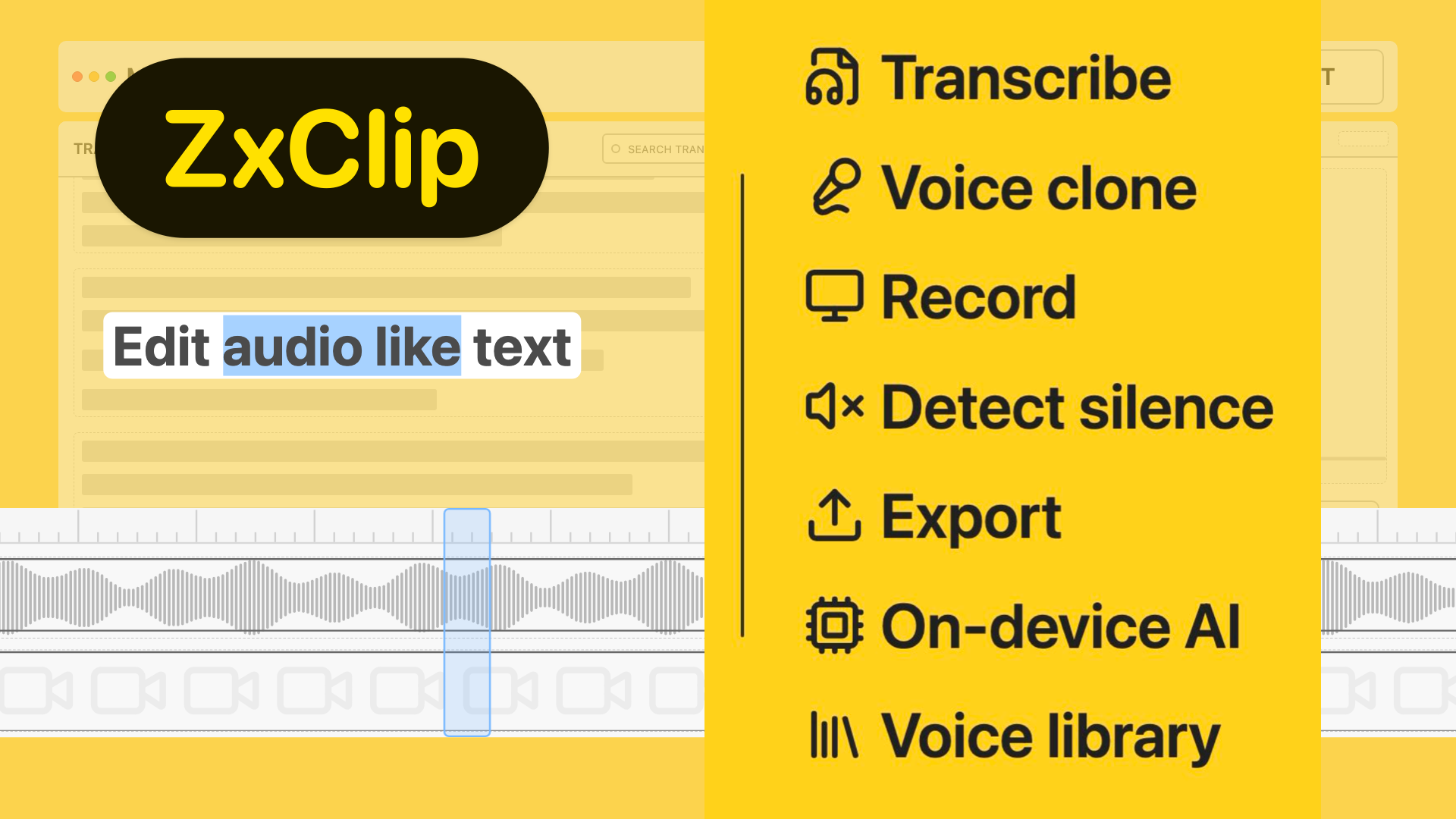
Record, transcribe, edit, and export audio and video — without leaving the app.
Core workflow
Transcribe any recording and edit the text like a document. Words you delete are automatically removed from the audio — no timeline scrubbing needed.


Detect filler words
The app detects filler words and speech disfluencies in your transcript and marks them for removal — all running on your device, with no data sent anywhere.
Smart silence detection
Automatically detect silent gaps and moments where no one's speaking. Review what's flagged and clear it all at once — no manual scrubbing.


Voice cloning
Patch any word or phrase using on-device voice cloning. Type the correction and the app generates the audio in your voice — seamlessly spliced in.
Frictionless edits
Every cut ripples through the timeline automatically. The transcript, waveform, and video track stay perfectly aligned after every edit.


Built-in recording
Capture your screen with smart auto-zoom, then jump straight into transcript-based editing — no third-party recorder needed.
Everything in the app right now
Turn recordings into editable text quickly so you can find and fix parts faster.
Simply edit text to generate audio. No re-recording required.
Powered by AI models that run directly on your device for privacy and speed.
Detect filler words like "uhm", and other speech disfluencies like "you know".
Automatically spot silent gaps and moments where no one's speaking — clean up pacing in minutes.
Find segments where no one's talking — background audio, pauses, ambient noise — and clear them in one go.
Built for Apple Silicon on macOS 15.2 and above.
Deliver polished outputs once edits are done, without extra tools.
Capture your screen with smart auto-zoom, then jump straight into transcript-based editing.
Improve speech clarity and remove noise from audio.
Expanded model support is on the way, including Pocket TTS.
Connect to AI agents to automate editing your media
Auto-generate clean chapter markers from your transcript for faster publishing.
Create and export timed captions from edited transcripts in a few clicks.
Generate Final Cut Pro XML exports for timeline handoff.
Change or remove backgrounds
Unlock exports and full editing features with a one-time license that supports 2 devices on macOS (Apple Silicon).
$24
$80
Save $56. Sale price applied automatically at checkout.
Need help? Reach out to support@zxclip.com
ZxClip is a macOS app for transcription-based editing of audio and video.
Yes. The app uses on-device AI models.
All files are processed and stored locally on your device.
Audio transcription works for English. You may use the models to transcribe other languages too. English is the only supported language for audio editing.
Yes, you can download the app to try for free. Exporting media requires purchasing a valid license key.
We do not have any functionality that requires credits. The AI models run on your device. The app requires a license key to be fully functional.
The app checks for updates automatically at launch, but you can also check manually in from the settings menu. Go to Settings → About.
Yes! When available, your license key will give you access to the Windows version too.
HuggingFace is a platform used to distribute AI models. The app downloads AI models from HuggingFace for various in-app functionality. Signing up for an account on HuggingFace is free.
You can email support@zxclip.com. For bug reports, please include steps to reproduce the issue along with relevant environment details — app version, macOS version, device model, and anything else that may be relevant.
Behind the build
A quick breakdown of what it took to build ZxClip.
I built ZxClip for myself, to edit videos fast. I've had fun building this. I hope you love using it. Below are some quick info about how this app was built.


